1
Upload your image
Choose a file from your device or drag and drop it into the editor.
Erase watermarks from your photos in seconds with AI — free, private, no sign-up needed.
Choose file or Drag & Drop Here
Maximum file size is 10 MB.
AI Watermark Remover is an independent tool for cleaning up your own photos. Removing a watermark does not transfer copyright of the underlying image — please respect the rights of the original photographer.
To get started, just upload your image. The watermark is detected and cleared automatically. You do not need to adjust anything — the AI watermark remover handles the cleanup. Once it is done, you can download the result right away. It works in your browser and supports most photo formats.
Choose a file from your device or drag and drop it into the editor.

Our smart algorithm detects and removes watermarks or backgrounds in seconds.
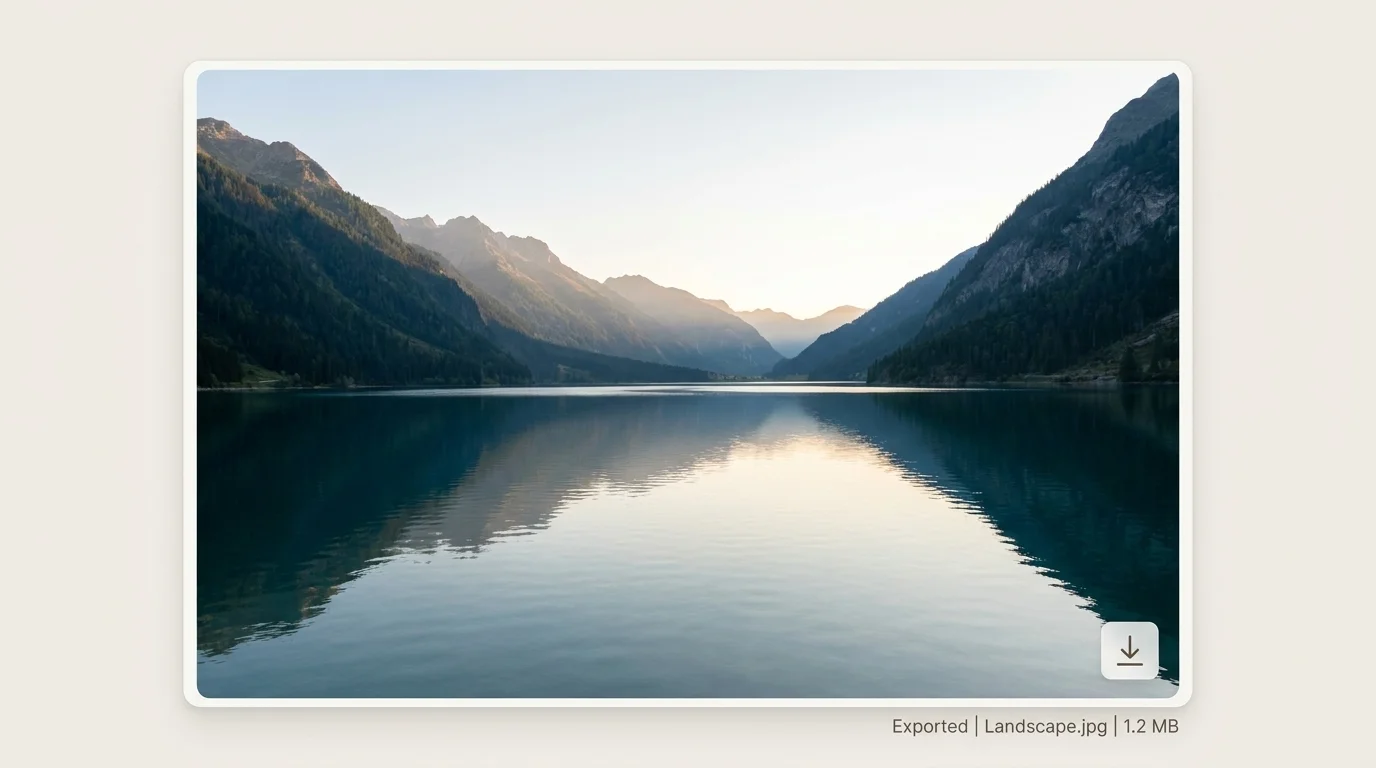
Get your clean, high-quality image — ready to use anywhere.
Drag the divider to compare the original image with the AI-cleaned result before saving. It helps you inspect details, edges, and texture on tougher images.

See the cleaned area before committing to the download, which lowers doubt for complex watermarks.
The comparison makes it clear that the goal is natural blending, not a blurred patch over the mark.
Faces, landscapes, product shots, stamps, and low-opacity overlays all need proof that the image still looks usable.
People use this AI watermark remover because it is straightforward. You upload a photo, and the watermark gets taken care of — no login, no setup. It works whether you are on a phone or a computer, and the result is usually ready in a few seconds. That is what makes it practical.
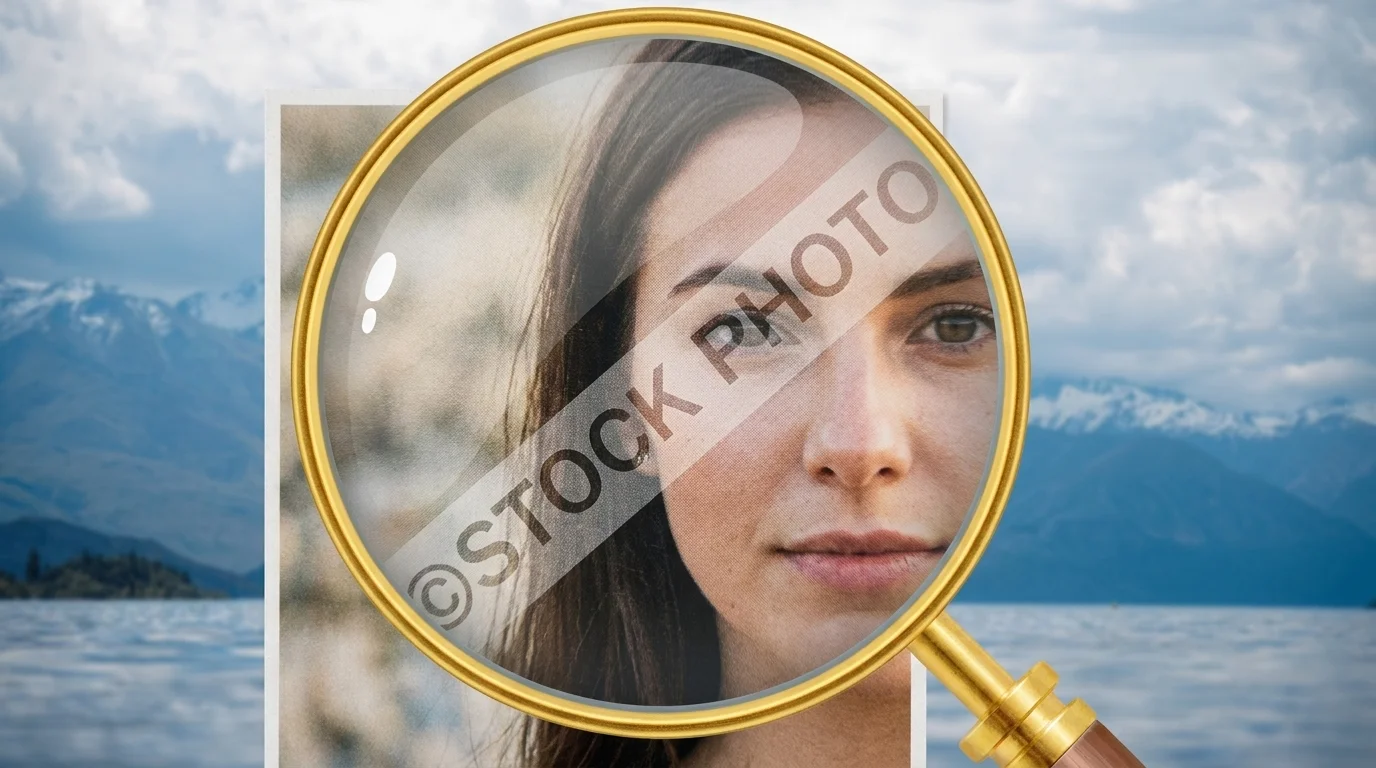
Some watermarks end up in the worst spots — across a person's face, over text, or mixed into background textures. The AI watermark remover usually gets rid of them without ruining the photo.
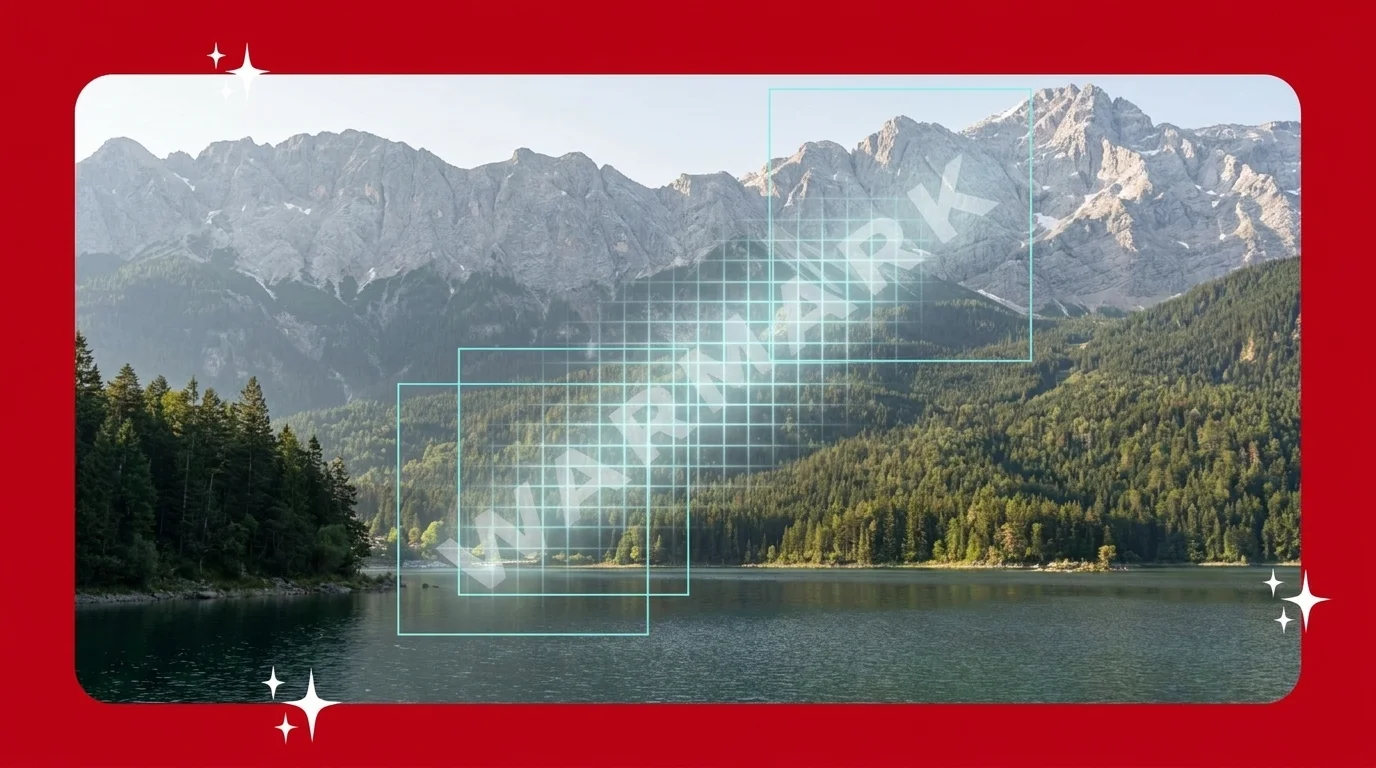
You do not need to mark anything. The AI figures out what is a watermark and what is part of the image, and it clears only what you do not want.

Once the watermark is gone, the rest of the photo stays the same. Details do not get blurry, and colors do not fade. It still looks like the original — just without the watermark.

Logos, stamps, signatures, dates — the AI understands intent, not just pixels. It blends each erased region back into the scene so the cleanup is invisible to the viewer.
Use the same browser-first flow for creator assets, shop images, phone photos, and common file formats without adding setup.
Clean product photos, marketplace images, or creator assets in the same simple upload, review, and download flow.
For dense logos or date stamps, start with the highest-quality source and inspect the preview before saving.
Use the tool in a browser on iPhone, Android, Mac, Windows, or Chromebook without installing an app.
Upload JPG, JPEG, PNG, WEBP, or AVIF images up to 10 MB and keep the workflow focused on photos.
With our online watermark remover, you can check the result instantly. Upload a file and see how the tool removes unwanted elements without smudging or blurring. It is built to work well even with textured backgrounds and low-contrast areas. Below are real examples of watermark removal using our AI-powered tool.

Keeps facial details clean and natural.

Removes marks from trees, skies, and textures with precision.
Removes even stubborn watermarks smartly.
People say it is surprisingly easy to remove a watermark with our AI watermark remover. There is no need to click through layers or figure out complex tools. They just open the page, upload a photo, and in a few seconds the mark is gone. It works whether they are on a phone, tablet, or regular laptop.
“The watermark remover worked in seconds and saved me a ton of Photoshop time.”
“Background removal is insanely accurate. Perfect for my Etsy listings!”
“Clean UI and results are better than paid tools I have tried. Love it.”
Whichever site or format you started with, our AI watermark remover is built to handle it.
Answers to the most common questions.
Yes. The AI watermark remover is built to detect and remove watermarks that appear in complex areas — including faces, product images, logos, or textured backgrounds. It does not just blur the watermark, it blends the area naturally so the photo still looks clean.
We give every visitor a daily amount of free credits to use the AI watermark remover — no login or sign-up needed to get started. Once your free credits run out, you can create a free account to get more. It is quick, works in your browser, and does not require any commitment.
Yes. Whether your image was taken with a phone camera, saved from an app, or is a screenshot — the tool can process it. It works equally well for mobile photos and images from other sources.
Yes. It works with high-resolution images and aims to preserve detail, lighting, and sharpness. The watermark is removed without reducing the quality of the rest of the image, so your photo still looks natural.
No. There is no need to drag boxes or highlight anything. The tool automatically detects the watermark and erases it intelligently. You just upload the image and wait a few seconds for the result.
The AI watermark remover accepts JPG, JPEG, PNG, WEBP, and AVIF photos up to 10 MB per file. That covers nearly every modern photo source — phone cameras, screenshots, stock libraries, and marketplace listings.
Yes. Photos are processed for cleanup only — they are never shared or used for training. You can download the cleaned result and walk away, the original upload is short-lived on our side.
You can use cleaned images for your own personal or commercial projects. You should still respect the original photo's copyright — removing a watermark does not transfer ownership of the underlying photograph.
There is no setup, no account, and no downloads. Just choose your photo and let the AI watermark remover do the work. You will get a clean version in seconds, ready to use for personal or professional needs. It is free, and it runs right in your browser.
Try the AI Watermark Remover — Free